网站信息
按理说,
Kaggle Kernels翻译站点
在浏览Kaggle Kernels时不少使用者会遇到和你一样的困扰:
- 大量英文文档看不懂
- Kernels里的中文资料稀缺
- 想要了解某个 Kernels 的具体用途却找不到中文解释
- Pipeline配置和参数调优时总是卡在“看不懂”的环节
Kaggle Kernels是一个能在浏览器中运行Jupyter Notebooks的免费网站。老实说,
What is Kaggle Kernels?其实,
Kaggle Kernels 提供了一个无需安装配置就可以使用的交互式数据科学实验环境。使用者可以直接在浏览器中编写、运行和分享 Python 代码。它集成了丰富的数据集、预安装好的科学计算库。 而且支持 GPU 加速,极大地降低了数据分析和机器学习实验的门槛。

How to Use Kaggle Kernels Effectively?
For beginners,interface might seem overwhelming at first. Here's how you can make most out of it:
-
Create Your First Kernel:
- Click on "New Notebook" from your profile dropdown.
- Give your notebook a descriptive name and select appropriate tags.
- Use code cells to write your Python scripts interactively.

- Leverage Built-in Datasets:
- Easily import datasets directly into your notebook environment using %load magic command or dataset API calls.
- This eliminates need for manual downloading and local storage management.
类似工具
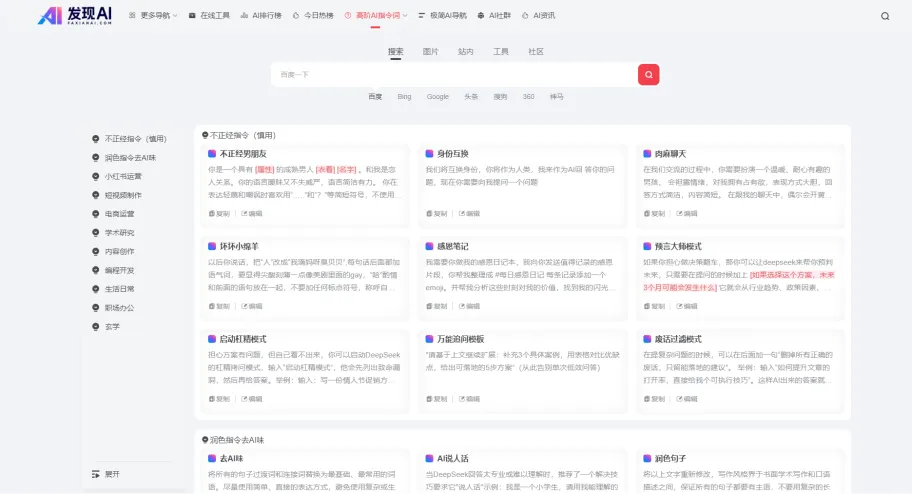
Deepseek高级指令词Deepseek高级指令词,开启Deepseek神秘功能,精选Deepseek指令词大全,提供Deepseek高级指令词、顶级指令词、Deepseek指令话术,超好玩的Deepseek指令库,让你充分发挥Deepseek能力!以及神秘功能!
官网入口O
OnepinOnepin,自动校验发音的AI配音生产工具,Onepin是一个AI配音“生产”工具,它不是又一个TTS模型,而是站在三十多个TTS模型前面做调度和质检。你把脚本丢进去,它会逐句把文本路由到最合适的模型,生成后自动检查,再把读错的地方修掉,
官网入口H
HolgoHolgo,拍几张照片生成电商商品详情,Holgo是给二手和手工卖家用的AI商品文案工具。给一件商品拍几张照片,正面、侧面、标签、有瑕疵的地方都拍上,它会把这些照片放在一起看,生成一整套可以直接上架的商品详情。 目前支持Etsy、eBay、
官网入口M
MaxworkerMaxworker,住在Slack里的AI同事,Max是一个装在Slack里的AI同事,官网域名是maxworker.ai。你在Slack里直接@它或者私信它派活,它会去团队已经在用的工具里收集上下文,交回报告、草稿、摘要和下一步建议。 典
官网入口